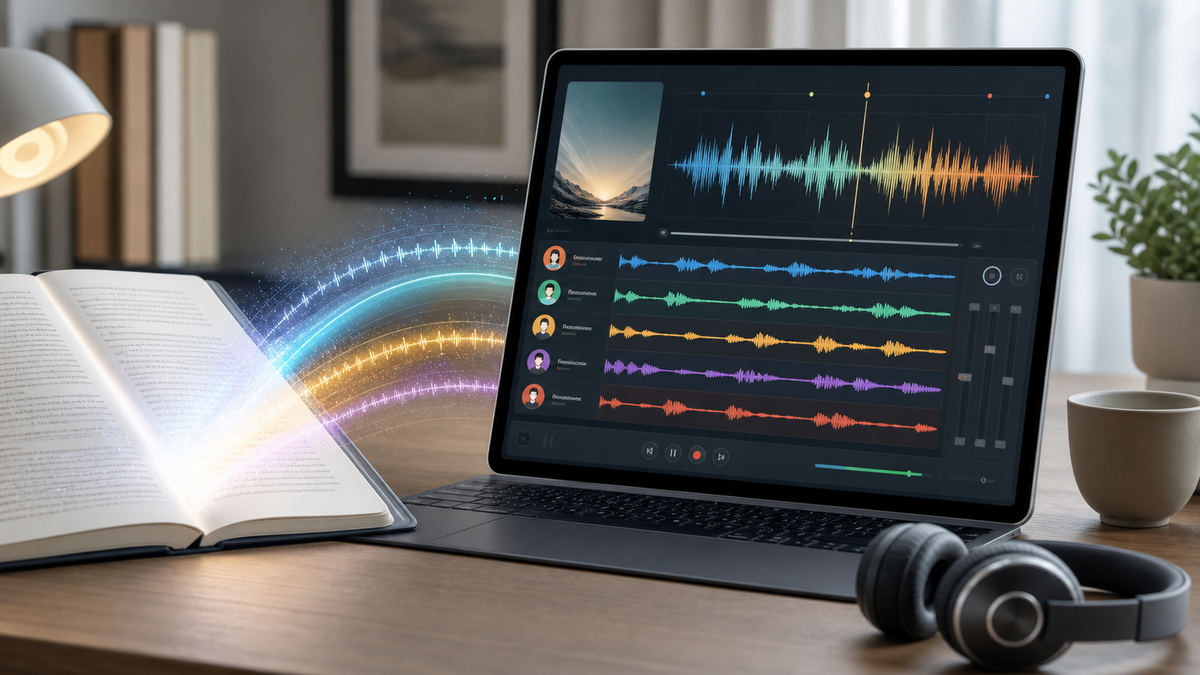
Looking for an AI audiobook generator that does more than read text aloud? The best results come from treating audiobook creation as a production workflow: prepare the book, choose voices deliberately, keep the narrator separate from characters, and review the finished audio before sharing it. That is especially true for fiction, memoir, education, and public-domain classics where listeners expect pacing, clarity, and distinct speakers.
MyNarratorAI is built around that workflow. Instead of producing one flat text-to-speech file, it helps convert ebooks into full-cast audio with narrator and character voices, optional custom voice actors, and controls for fixing assignments when a book needs creative direction.
What Is an AI Audiobook Generator?
An AI audiobook generator converts written text into spoken audio using text-to-speech models. Simple tools take a pasted passage and render it with one voice. More complete audiobook tools handle longer files, chapter structure, pronunciation, character dialogue, and audio review.
For short articles, a single voice may be enough. For books, the requirements are different. A useful audiobook generator should help you:
- Upload or import long-form content such as EPUB files.
- Preserve chapters so listeners can navigate naturally.
- Separate narration from dialogue.
- Assign distinct voices to recurring characters.
- Regenerate or correct sections that need better pacing, tone, or voice matching.
- Export audio in a format that is easy to listen to and share.
Why Full-Cast Audio Matters
Many AI narration tools focus on speed: upload text, pick one voice, download an MP3. That can work for straightforward nonfiction, but it often falls short for dialogue-heavy books. Fiction listeners need to understand who is speaking without checking the page. A full-cast approach makes that easier by giving the narrator and major characters separate voices.
Distinct voices also reduce listening fatigue. When every character sounds the same, the listener has to work harder to follow a scene. When the voice assignments are clear, the story feels more natural, especially in conversations, courtroom scenes, fantasy parties, mysteries, and serialized fiction with returning casts.
Step 1: Prepare the Ebook
Before using any AI audiobook generator, open the ebook and check the basics. Confirm that chapters are in the right order, front matter is not mixed into the first chapter, and dialogue punctuation is readable. EPUB files are usually easier to process than a scanned PDF because the text and chapter structure are already available.
If you are converting a copyrighted book, make sure you have the rights to create the audio version. Public-domain books are useful for testing because they let you experiment with narration, pacing, and voice assignments without licensing uncertainty.
Step 2: Choose a Narration Style
The right narration style depends on the book. A business guide may only need one clear narrator. A novel may benefit from a narrator plus several character voices. A children’s story may need brighter voices and more expressive pacing. MyNarratorAI lets you start with AI-assigned voices, then adjust the cast when the automatic choice is not the right creative fit.
For the best result, think of voice selection as casting. Match voice age, tone, accent, and energy to the role. A mentor, villain, child, detective, or comic side character should not all sound like the same generic speaker.
Step 3: Use Custom Voice Actors When the Cast Matters
Stock AI voices are convenient, but some projects need a more specific sound. With custom voice actors, you can create a reusable voice from a short sample you have the right to use. That can help authors and creators keep a consistent voice for a main character across a series, match a narrator to a brand, or build a cast that feels less generic.
Voice cloning should be handled responsibly. Use voices you own, have recorded yourself, or have clear permission to use. Responsible voice sourcing protects creators and avoids problems later when the audiobook is shared publicly.
Step 4: Review the Audio Like a Producer
AI audiobook generation is fastest when the first pass gets you close and the editor only fixes what matters. After generation, listen for the issues that listeners notice first:
- Wrong speaker in dialogue-heavy scenes.
- Robotic pacing or unnatural pauses.
- Names, places, or invented words pronounced incorrectly.
- Chapter breaks that feel abrupt or misplaced.
- Repeated voices assigned to characters who should be distinct.
- Volume or clarity problems that make long listening tiring.
The goal is not to micromanage every sentence. The goal is to make the audiobook easy to follow and pleasant to listen to for full chapters at a time.
When Should Authors Use AI Audiobook Creation?
An AI audiobook generator is most useful when the alternative is no audiobook at all, or when you need to test audio demand before investing in a traditional studio production. Independent authors can create preview chapters, publishers can revive backlist titles, educators can make assigned reading more accessible, and readers can listen to public-domain books with a cast that fits their taste.
Human narration is still the premium choice for many commercial releases, especially where performance nuance is the core product. AI narration is strongest when speed, accessibility, iteration, and voice customization matter most.
AI Audiobook Generator Checklist
- Input: Use clean EPUB text whenever possible.
- Structure: Preserve chapters and remove unwanted front matter.
- Casting: Assign a narrator and distinct voices for major characters.
- Rights: Use books and voice samples you are allowed to convert.
- Review: Listen for speaker errors, pacing, and pronunciation.
- Iteration: Regenerate only the sections that need improvement.
Start With a Book You Can Evaluate
If you are new to AI audiobook creation, begin with a short book or a few chapters. That gives you a realistic sense of voice quality, chapter flow, and editing effort before processing a long novel. MyNarratorAI is designed for that kind of practical workflow: upload a book, generate audio, review the cast, adjust voices, and keep improving the result.
Try MyNarratorAI to turn an ebook into a full-cast audiobook and experiment with custom voices, character narration, and AI-powered audio creation.
FAQs
Can AI turn an EPUB into an audiobook?
Yes. An AI audiobook generator can convert EPUB text into spoken audio, and a book-focused tool can preserve chapters while assigning narrator and character voices.
Is AI audiobook narration good enough for fiction?
It can be, especially when the workflow includes distinct character voices and review. Dialogue-heavy fiction usually needs more casting and quality checks than simple nonfiction.
Can I clone a voice for an audiobook?
Yes, if the platform supports custom voices and you have the right to use the voice sample. Always get permission before cloning someone else’s voice.
Related Articles
- Create Custom Voice Actors for Full-Cast AI Audiobooks
- ePub to Audio: Complete Conversion Guide
- How to Convert eBooks to Audiobooks in 2025
- Public Domain Audiobooks: Where to Find 70K+ Titles
Published on June 13, 2026